Your CV in Word — without the formatting headaches
Most people search for a CV in Word because they want a file they can edit. The problem: Word templates break easily, shift out of alignment, and often confuse applicant tracking systems. Build your CV here instead — fill in guided sections, keep the layout perfectly intact, and download a clean DOCX when a portal asks for Word, or a PDF for everything else. You get the editability of Word with a structure that parsers actually read. Building and previewing are free; download your finished CV — PDF or DOCX — with a one-time pack, no subscription.
Free to build, edit and preview. Pay once to download — no subscription.
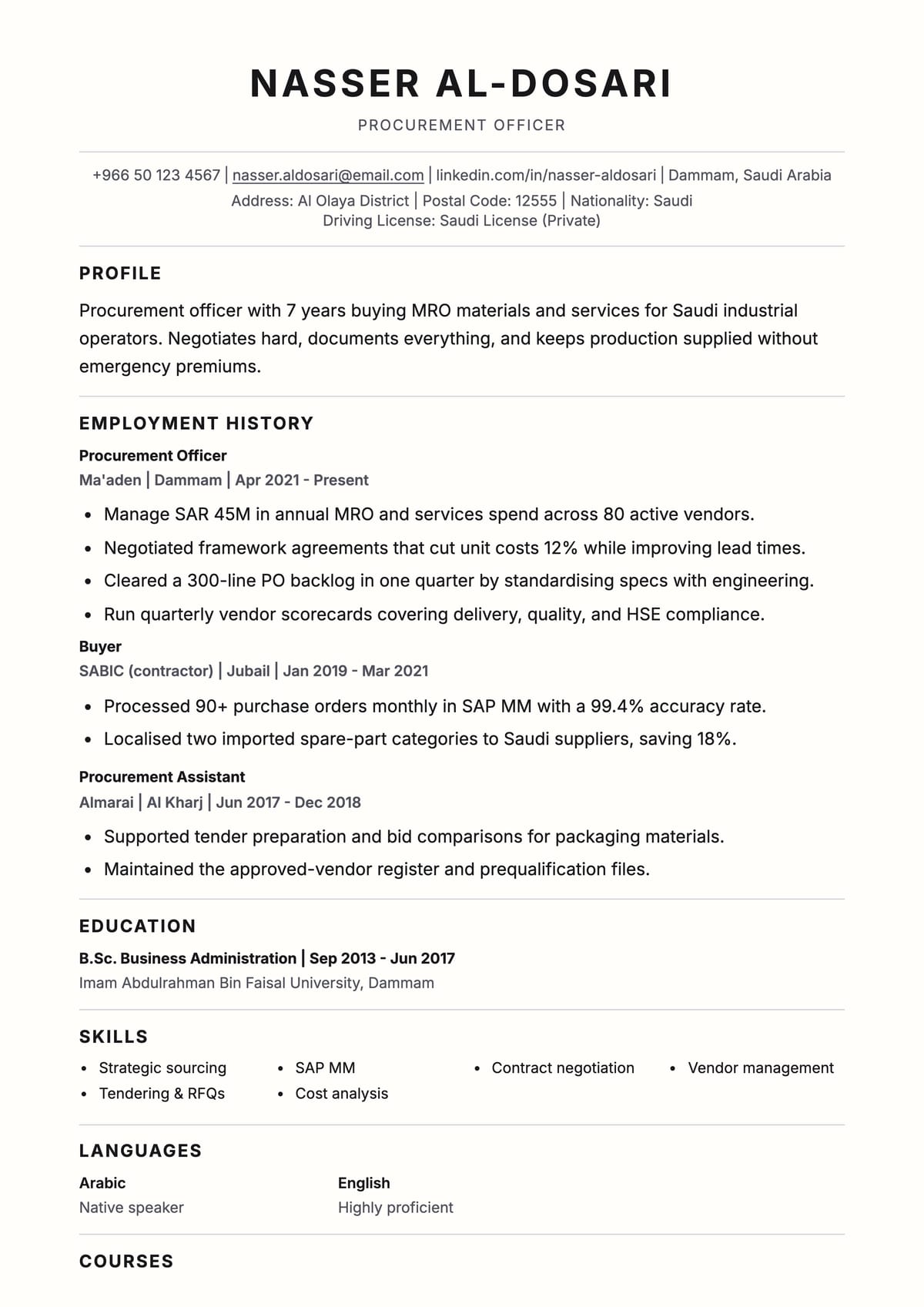 Awesome ATS templatePDF
How it works
Choose a template
Pick from 15+ layouts built for CV in Word Format and regional markets.
Edit online
Fill your sections, add a photo, and customize the design.
Download your CV
Export a polished PDF in minutes.
CV guidance
Get the details right
CV rules for CV in Word Format
- Build the content here first, then export to DOCX only if the employer or portal specifically requests Word.
- Avoid manual Word tricks — text boxes, columns, and headers/footers are exactly what break ATS parsing.
- Keep one consistent font and standard headings so the file looks identical whether opened in Word or a PDF reader.
- Quantify achievements and mirror the job-post keywords before exporting.
Recommended format
- Export DOCX for portals that require Word; otherwise submit PDF to lock the layout.
- Use a single-column, ATS-safe structure — our DOCX export is built to stay parser-friendly.
- Keep it to one or two pages with your city and local mobile number at the top.
ATS and recruiter fit
A hand-built Word CV often hides text in boxes or tables that an ATS silently drops. Our templates keep every field in machine-readable text and let you weave in the exact terms from the job description, so whether you submit DOCX or PDF the system scores you as a match.
Recruiter insight
Recruiters in the Gulf frequently receive Word files through portals like Jadarat or Taleo. A clean, consistent DOCX that opens identically on any machine signals professionalism; a misaligned Word template that reflows on their screen does the opposite.
FAQ
Common questions
Quick answers about formatting and tailoring your CV.
Can I download my CV as a Word (DOCX) file?
Yes — download DOCX or PDF with a one-time pack. Building, editing and previewing your CV are always free; you pay once to download, with no subscription.
Why not just use a Word template?
Word templates often break alignment and hide text in boxes or tables that applicant tracking systems can't read. Building here keeps the layout intact and parser-safe.
Will the Word file still pass ATS?
Yes — our DOCX export uses a single-column, machine-readable structure with standard headings, so systems parse every section.
Is it free?
Building, editing and previewing your CV are all free. Downloading (PDF or DOCX) unlocks with a one-time pack — pay once, no subscription.
CV in Word Format CV templates
Build your CV and export to Word
Create and preview your CV online free, keep the layout intact, then download PDF or DOCX with a one-time pack — no subscription.
Free to build, edit and preview. Pay once to download — no subscription.