Back to BlogInterview Prep 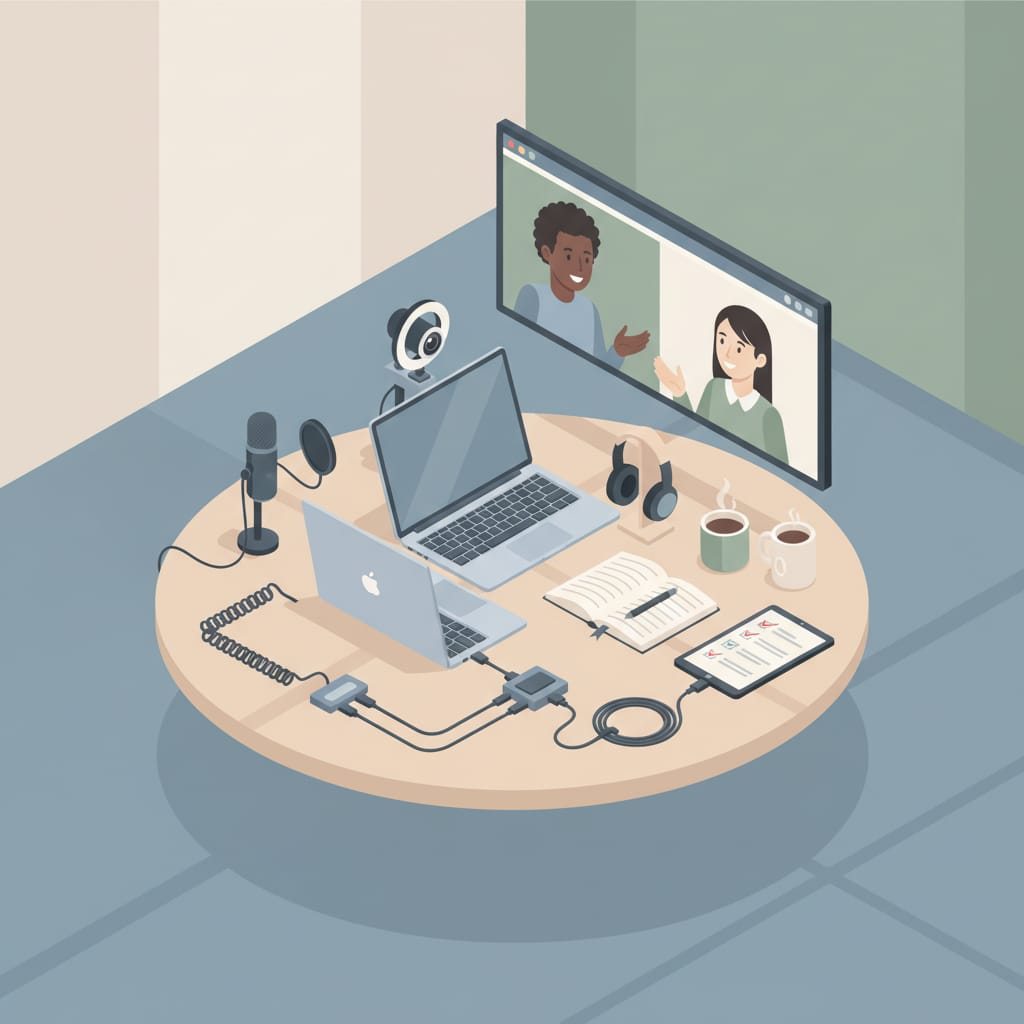 Create your CV
Ace Your Video Interview with This Technical Setup Checklist
Learn how to set up your video interview space for success, avoiding common technical issues and making a great impression
Create your CVAs a remote job seeker, you're likely to encounter video interviews as part of the hiring process. Understanding the importance of video interviews in remote hiring is crucial to your success. Video interviews have become a staple in the remote hiring process, allowing employers to assess candidates from all over the world. However, common challenges faced during video interviews can make or break your chances of landing your dream job. The role of technical setup in a successful video interview cannot be overstated. A well-planned technical setup can help you make a great impression, while a poorly planned one can lead to disaster. In this article, we'll explore the top-five video-interview disasters and provide a comprehensive technical checklist to help you prevent them.
Introduction to Video Interviews
Video interviews are an essential part of the remote hiring process. They allow employers to assess candidates remotely, saving time and resources. However, video interviews can be daunting, especially for introverts who may feel more comfortable in written communication. Common challenges faced during video interviews include poor lighting, bad audio, and unstable internet connections. These technical issues can distract from your message and make a negative impression on the interviewer. To avoid these pitfalls, it's essential to understand the importance of technical setup in a video interview. A well-planned technical setup can help you feel more confident and prepared, allowing you to focus on the interview itself.
Lighting and Framing for Video Interviews
Choosing the right lighting for your video interview is crucial. Natural light is always the best option, but if you're interviewing in a room with limited natural light, you'll need to invest in a good quality light source. Avoid harsh overhead lighting, as it can create unflattering shadows on your face. Instead, opt for soft, warm lighting that illuminates your face evenly. Framing yourself correctly on camera is also essential. Make sure you're centered in the frame, with your face and shoulders visible. Avoid distracting backgrounds, such as cluttered bookshelves or busy patterns. Instead, opt for a plain, neutral-colored background that won't distract from your message. Tips for minimizing distractions in the background include removing any clutter, turning off notifications on your phone or computer, and asking family members or roommates to keep noise levels down.
Minimizing Background Distractions
To minimize background distractions, take a few minutes to tidy up the room before the interview. Remove any clutter, such as books, papers, or dirty laundry, and make sure the floor is clear of tripping hazards. If you have a busy patterned rug or wallpaper, consider hanging a plain colored sheet or screen behind you to create a neutral background. You should also turn off any notifications on your phone or computer, and ask family members or roommates to keep noise levels down during the interview. By taking these simple steps, you can create a distraction-free environment that allows you to focus on the interview.
Audio and Network Setup
Selecting the right microphone for clear audio is essential for a successful video interview. Built-in computer microphones can be prone to picking up background noise and echoes, so it's worth investing in a good quality external microphone. Make sure to test your microphone before the interview to ensure it's working properly. Ensuring a stable internet connection is also crucial. A slow or unstable internet connection can cause delays, freezes, or even disconnections during the interview. Make sure you have a backup plan in place, such as a mobile hotspot or a secondary internet connection, in case your primary connection fails. Having a backup plan for network failures can save you from disaster and ensure that your interview goes smoothly.
Network Backup Plans
To ensure a stable internet connection, make sure you have a backup plan in place. This could include a mobile hotspot, a secondary internet connection, or even a nearby coffee shop with reliable Wi-Fi. Test your backup plan before the interview to ensure it's working properly, and make sure you have all the necessary equipment, such as cables and adapters. By having a backup plan in place, you can minimize the risk of network failures and ensure that your interview goes smoothly. You should also consider investing in a reliable internet service provider that offers fast and stable connections.
Software Test and Compatibility
Testing your video interview software beforehand is essential to ensure that it's working properly. Make sure you have the latest version of the software installed, and test it on the device and browser you'll be using for the interview. Ensuring compatibility with your device and browser is also crucial. Some video interview software may not be compatible with certain devices or browsers, so make sure to check the system requirements before the interview. Troubleshooting common software issues, such as poor video quality or audio delays, can also help you avoid last-minute disasters. By testing your software beforehand and ensuring compatibility, you can minimize the risk of technical issues and ensure that your interview goes smoothly.
Troubleshooting Common Software Issues
To troubleshoot common software issues, make sure to test your video interview software beforehand. Check the system requirements to ensure that your device and browser are compatible, and test the software on the device and browser you'll be using for the interview. If you encounter any issues, such as poor video quality or audio delays, try restarting the software or checking for updates. You should also have a backup plan in place, such as a secondary device or browser, in case the software fails. By taking these steps, you can minimize the risk of technical issues and ensure that your interview goes smoothly. You can also visit https://cvpromaker.com for more tips on interview preparation and career advice.
Conclusion and Final Preparations
By following the technical setup checklist outlined in this article, you can ensure that your video interview goes smoothly and that you make a great impression on the interviewer. Remember to test your equipment, choose a quiet and distraction-free environment, and have a backup plan in place in case of technical issues. With proper preparation and a well-planned technical setup, you can feel more confident and prepared for your video interview, allowing you to focus on the interview itself and showcase your skills and qualifications. By taking the time to prepare and plan your technical setup, you can increase your chances of success and land your dream job.
Ready to put this into practice? Build your CV with CV Pro Maker using ATS-friendly templates that put these principles to work. Editing and previews are always free — build your CV, then download it as a PDF or DOCX with a one-time pack (pay once, no subscription). Want more CVs and AI writing help too? Those come with the Job Seeker pack.
New to the site? See how it works.
Related Articles
Ace Your Phone Screen: Preparation Tips and Common Questions to
Learn how to prepare for a phone screen, including common questions, what recruiters are listening for, and tips to improve your performance and increase
How to Follow Up After Sending Your CV (With Email Templates)
Sent your CV and heard nothing? Learn when and how to follow up professionally, with ready-to-use email templates that get responses.
Master the STAR Framework for Behavioral Interviews
Learn how to answer behavioral interview questions using the STAR framework, with examples and before-and-after comparisons to improve your interview
How Your CV Affects the Interview Questions You Get Asked
Your CV is your interview script. Learn how recruiters formulate questions from your CV and how to steer the conversation.
Ready to create your CV?
Use our professional templates to build an ATS-friendly CV in minutes.
Browse Templates